Alarm notifications and monitoring: what your service includes
An alarm event, a phone notification, and a monitored response are different parts of a security workflow. The equipment configuration and your service agreement determine which functions are included.
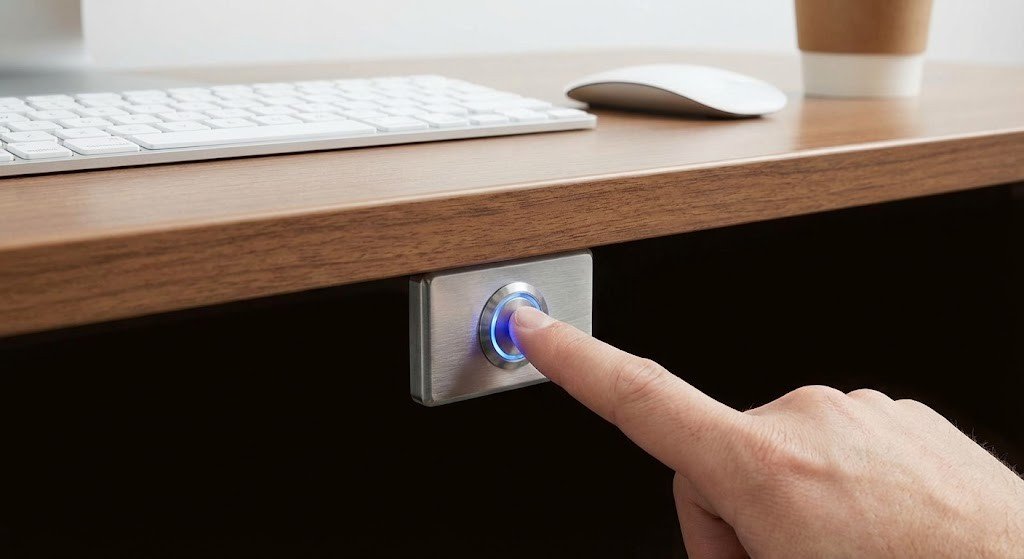
Example alarm device. Notification, verification, and monitoring workflows depend on the installed system and service agreement.
Confirm your service scope
- Which devices and event types are included?
- Who receives app, email, or other notifications?
- Is a separate monitoring service active, and what events does it handle?
- What are the agreed escalation steps and contact arrangements?
- Which operating hours, exclusions, recurring services, or customer responsibilities apply?
Keep contact information current
Use the authorized account process to update designated contacts and escalation details. Do not post alarm codes, account passwords, or verification phrases in a general support ticket.
If you receive an unexpected alert
Follow the instructions for your installed system and the response procedure established with your provider. Note the event type, device or zone, and time. Do not assume that acknowledging an app notification cancels an alarm response or confirms that someone has reviewed the event.
Before testing or maintenance
Coordinate with your authorized alarm or monitoring provider before testing devices or carrying out work that could trigger an alarm. Use the documented test procedure; do not assume that changing an app setting places a monitored system in test mode.
Questions about your system?
Request a service-scope review with your property name, system brand if known, and the function you want to confirm. PGC can review the applicable project or service documentation. This Help Center does not create a monitoring agreement or promise a response time.
Related PGC services
Planning an installation, upgrade, or service visit in Dallas–Fort Worth? Explore the related service or tell us about your property.